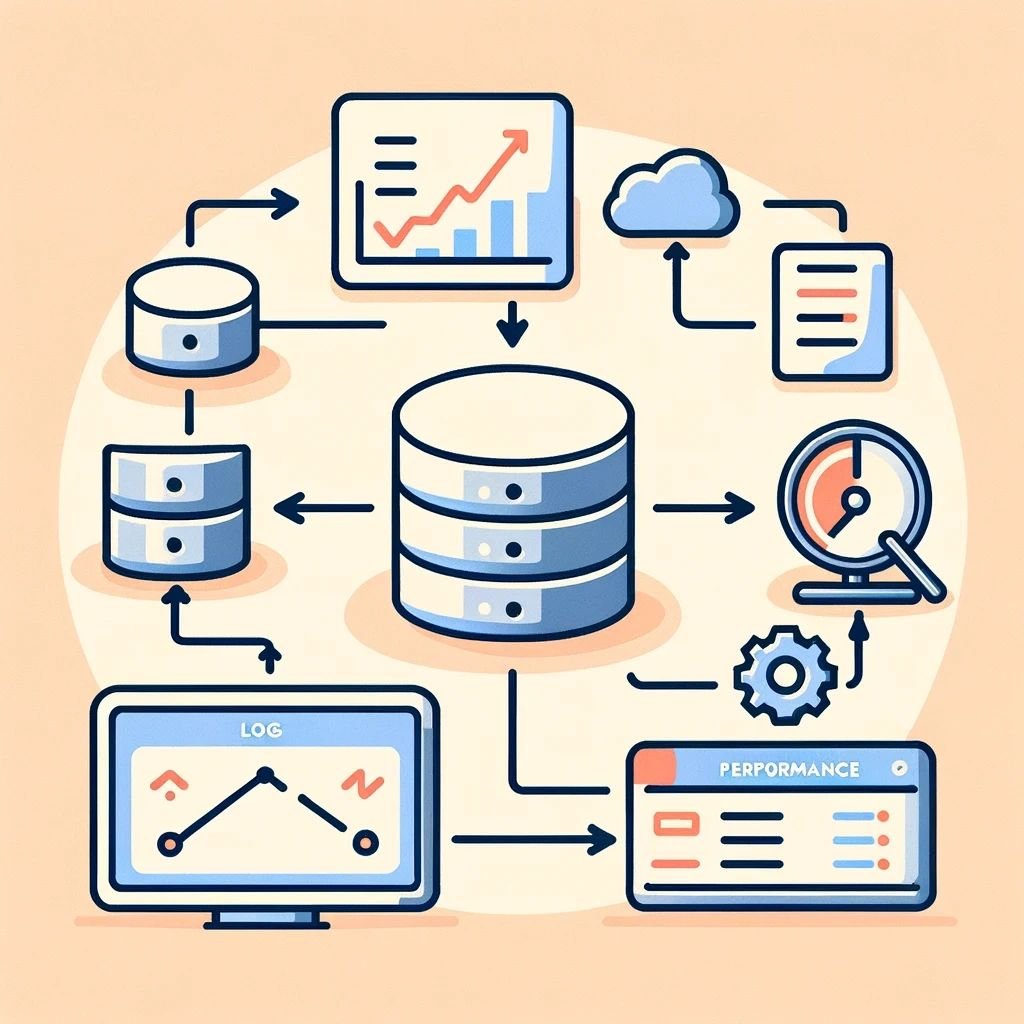
Oracle LogMiner Challenges
Unveiling Oracle LogMiner Challenges: A Comprehensive Troubleshooting Guide
When working with Oracle LogMiner, you may encounter performance issues or unsupported operations while analyzing redo logs. These challenges can impact your ability to effectively audit, replicate, or troubleshoot database activities. This guide dives into common issues and solutions, helping you unlock the full potential of LogMiner.
The Scenario: High Volume of Unsupported Operations
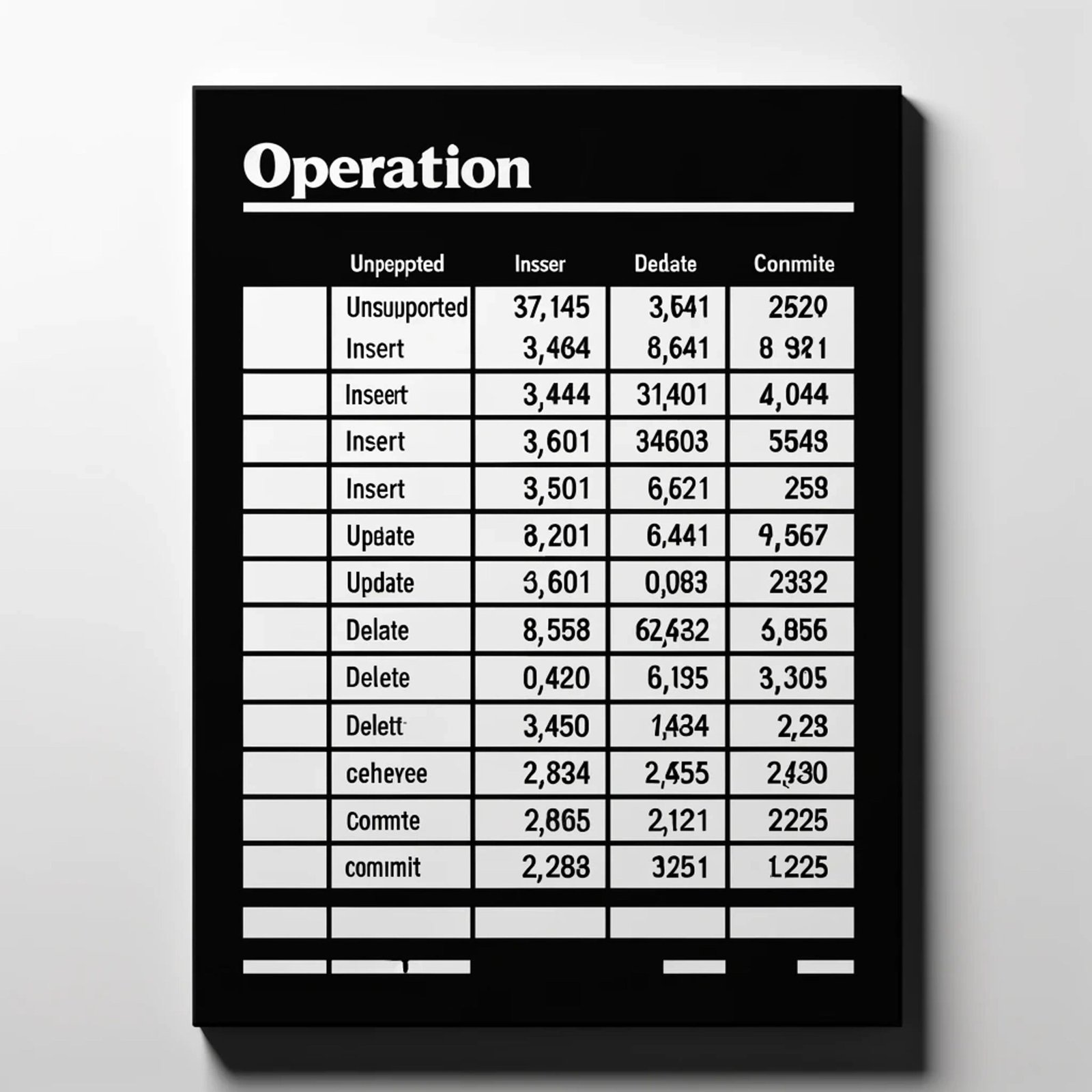
This reveals that a significant portion of operations in redo logs are unsupported by LogMiner, limiting your ability to interpret critical database activities. Here’s how to tackle these issues.
Key Observations
Dominance of Unsupported Operations:
- These operations, such as complex LOB writes or internal system processes, lack SQL translations.
High Transaction Volume:
- With thousands of
INSERT,UPDATE, andCOMMIToperations, the database workload is intensive.
Clustered SCNs:
- Unsupported operations occur in specific SCN ranges, hinting at patterns or advanced database features.
LogMiner Limitations:
- Encrypted, compressed, or advanced redo log features may restrict LogMiner’s effectiveness.
Troubleshooting Steps
1. Determine SCN Range from LogMiner Session
Before starting LogMiner, identify the SCN range of interest by querying the LogMiner session status to determine processed and read SCNs:
SET LINESIZE 9999

COLUMN SESSION_ID FORMAT 999999 HEADING "Session|ID"

COLUMN SESSION_STATE FORMAT A10 HEADING "Session|State"

COLUMN PROCESSED_SCN FORMAT 999999999999999 HEADING "Processed|SCN"

COLUMN READ_SCN FORMAT 999999999999999 HEADING "Read|SCN"

COLUMN LOW_MARK_SCN FORMAT 999999999999999 HEADING "Low Mark|SCN"

COLUMN USED_MEMORY_SIZE FORMAT 9999999 HEADING "Used|Memory (KB)"

COLUMN MAX_MEMORY_SIZE FORMAT 9999999 HEADING "Max|Memory (KB)"

COLUMN AVAILABLE_TXN FORMAT 999999 HEADING "Available|TXNs"

COLUMN DELIVERED_TXN FORMAT 999999 HEADING "Delivered|TXNs"
SELECT SESSION_ID,
SESSION_STATE,
PROCESSED_SCN,
READ_SCN,
LOW_MARK_SCN,
ROUND(USED_MEMORY_SIZE/1024, 2) AS USED_MEMORY_SIZE,
ROUND(MAX_MEMORY_SIZE/1024, 2) AS MAX_MEMORY_SIZE,
AVAILABLE_TXN,
DELIVERED_TXN
FROM V$LOGMNR_SESSION;
Use the PROCESSED_SCN and READ_SCN values to identify the starting and ending SCNs for the analysis.
2. Optimize LogMiner Setup
Ensure proper log file configurations and avoid reading encrypted/compressed logs unless necessary:
BEGIN

   DBMS_LOGMNR.ADD_LOGFILE(

      LOGFILENAME => '<Logfile location>',

      OPTIONS => DBMS_LOGMNR.NEW);

END;

/
3. Start LogMiner Session
After adding log files, start the LogMiner session to analyze the redo logs:
BEGIN

   DBMS_LOGMNR.START_LOGMNR(

      STARTSCN => 41686253146230,

      ENDSCN => 41686253148398,

      OPTIONS => DBMS_LOGMNR.DICT_FROM_ONLINE_CATALOG);

END;

/
4. Query LogMiner Contents
Once LogMiner is running, query its contents to analyze the transactions:
SELECT OPERATION, SQL_REDO, SCN, TIMESTAMP

FROM V$LOGMNR_CONTENTS

WHERE SCN BETWEEN 41686253146230 AND 41686253148398;
5. Analyze Unsupported Operations
Pinpoint the source of unsupported operations:
SELECT OPERATION, SQL_REDO, SCN

FROM V$LOGMNR_CONTENTS

WHERE OPERATION = 'UNSUPPORTED'

AND SCN BETWEEN 41686253146230 AND 41686253148398;
6. Correlate SCNs with Database Activity
Query session history or archived logs to identify what’s happening at specific SCNs:
SELECT SQL_OPNAME, EVENT, PROGRAM

FROM DBA_HIST_ACTIVE_SESS_HISTORY

WHERE SAMPLE_TIME BETWEEN TO_DATE('04-JAN-25 00:00:00', 'DD-MON-YY HH24:MI:SS')

AND TO_DATE('04-JAN-25 23:59:59', 'DD-MON-YY HH24:MI:SS');
7. Evaluate Workload Patterns
Use session and SQL history to uncover high-transaction activity:
SELECT SQL_ID, COUNT(*) AS EXECUTION_COUNT

FROM DBA_HIST_SQLSTAT

GROUP BY SQL_ID

ORDER BY EXECUTION_COUNT DESC;
8. End LogMiner Session
When finished, terminate the LogMiner session to free up resources:
BEGIN

   DBMS_LOGMNR.END_LOGMNR;

END;

/
Observations and Recommendations
- Transaction Intensity: Optimize SQL workloads to reduce LogMiner delays.
- Unsupported Operations: Consider advanced tools like Oracle GoldenGate for better compatibility.
- LogMiner Alternatives: Evaluate if LogMiner aligns with your requirements or if replication solutions are more suitable.
- Collaboration: Work with application teams to align database configurations with operational goals.
Author: Rohit Mishri